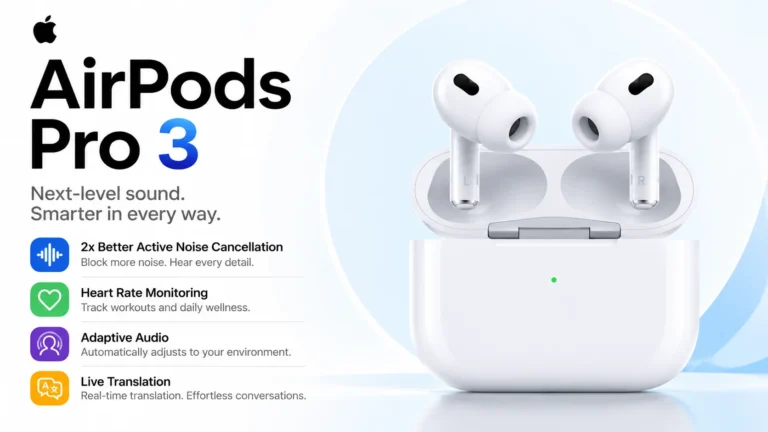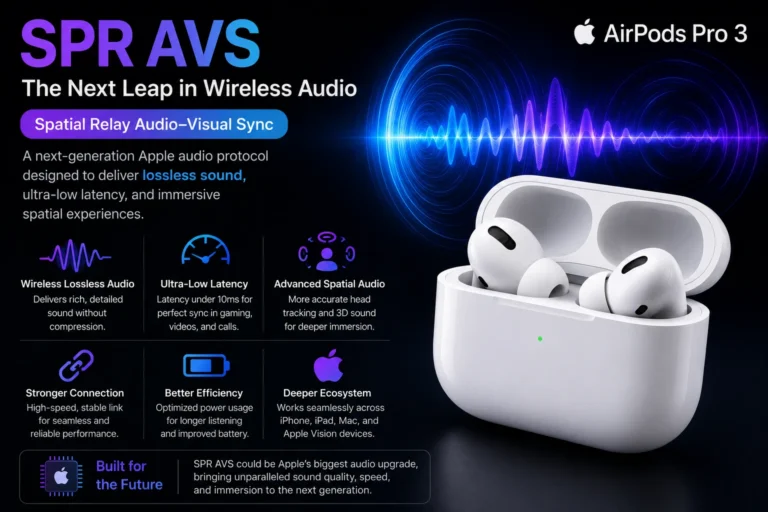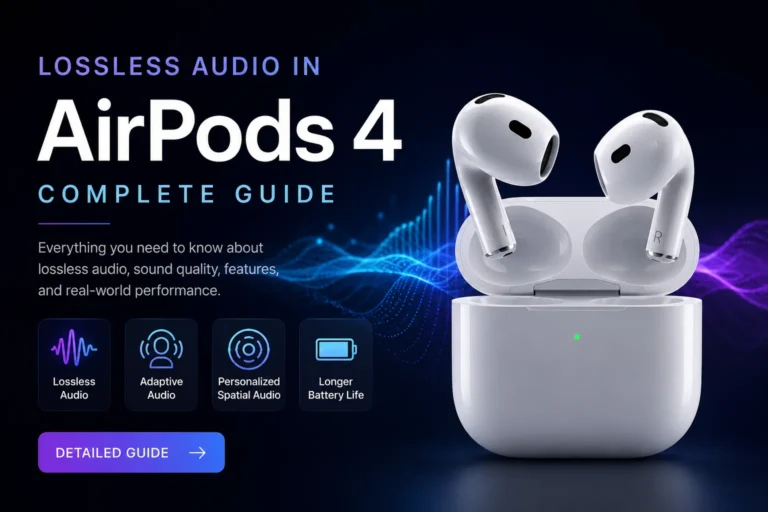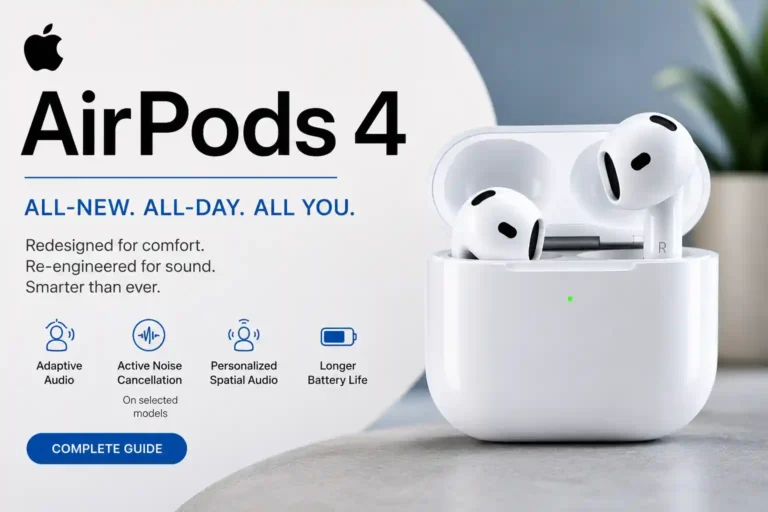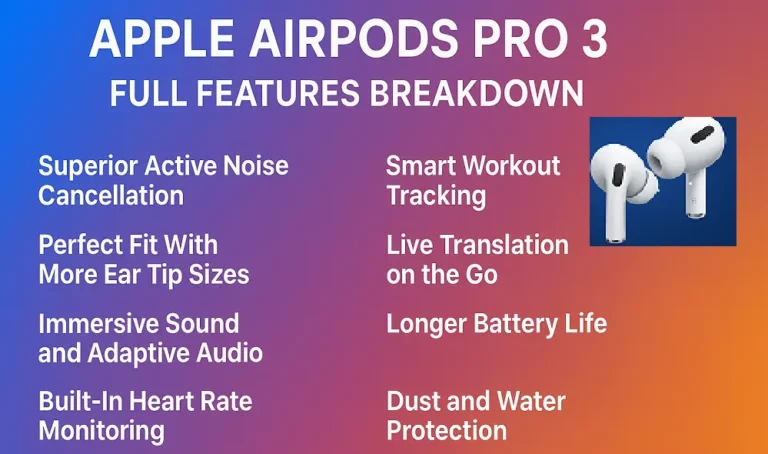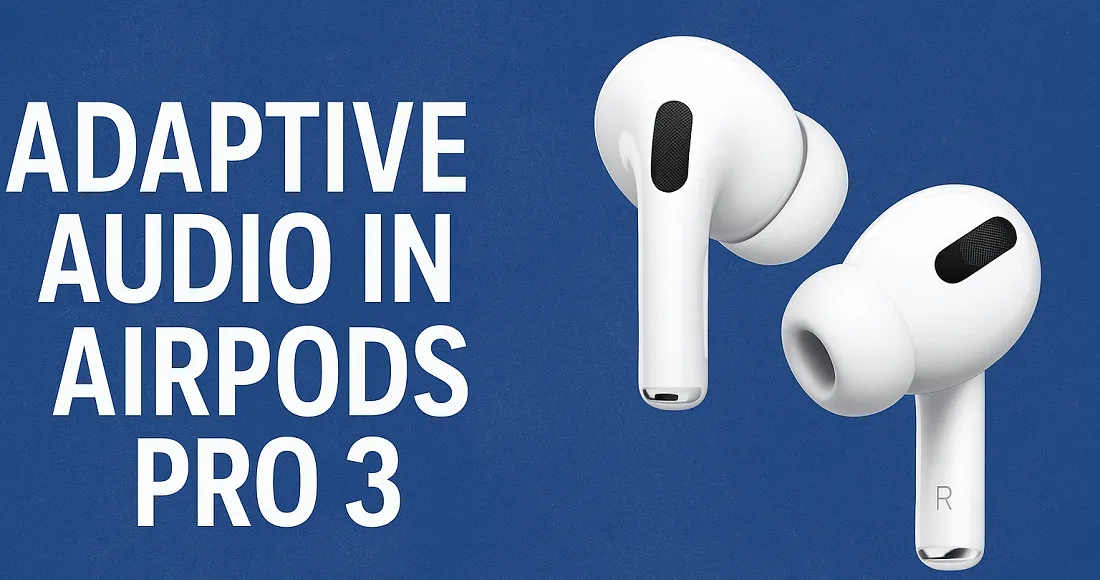
Apple’s AirPods Pro 3 mark a major step forward in wireless earbud technology. Along with improved sound quality, better microphones, and longer battery life, one feature that stands out is Adaptive Audio. Unlike traditional listening modes where you have to decide when to use noise cancellation or transparency, Adaptive Audio intelligently adjusts for you.
But how does this system actually work? Why is it important? And how does it affect your everyday listening experience? In this guide, we’ll explore everything you need to know about Adaptive Audio in AirPods Pro 3.
What is Adaptive Audio?
Adaptive Audio is Apple’s latest smart listening technology that combines two existing features — Active Noise Cancellation (ANC) and Transparency Mode — into a single, seamless system.
Traditionally, you had to switch manually:
- Turn on Noise Cancellation when you wanted silence.
- Enable Transparency Mode when you needed awareness of your surroundings.
With Adaptive Audio, AirPods Pro 3 do this automatically, adjusting in real-time based on your environment.
For example:
- Sitting in a quiet room → Transparency is increased, so things sound natural.
- Walking on a busy street → Noise Cancellation blocks traffic noise but still lets urgent sounds like honking come through.
- Working in an office → Voices of colleagues may be audible, while background chatter fades away.
How Adaptive Audio Works in AirPods Pro 3
The magic behind Adaptive Audio lies in Apple’s H2 chip, advanced microphones, and AI-driven algorithms. Here’s the breakdown:
- Environmental Detection
- External microphones continuously scan your surroundings.
- They measure noise intensity, frequency, and patterns (e.g., constant hum vs. sudden bursts).
- Dynamic Processing
- The H2 chip processes this data instantly.
- It decides whether to increase ANC, reduce it, or allow certain sounds through.
- Personalized Adaptation
- Over time, AirPods learn your listening habits.
- Example: If you usually prefer strong ANC on trains, they’ll automatically adapt to that environment.
- Seamless Transition
- Unlike abrupt switching between ANC and Transparency, Adaptive Audio creates smooth, almost invisible transitions.
- You don’t feel the shift — you just notice your listening always feels “right.”
Why Adaptive Audio Matters
Most earbuds today have ANC and Transparency, but they’re manual toggles. Apple is moving towards context-aware listening, where earbuds think for you.
Key benefits:
- No manual switching → You stay focused.
- Always optimized → Best balance between immersion and awareness.
- Natural experience → Feels closer to how human hearing should work.
It’s not just a feature — it’s part of Apple’s vision for smarter, human-like audio experiences.
Benefits of Adaptive Audio in Daily Life
1. Convenience
Switching between modes can be distracting, especially during commutes or workouts. Adaptive Audio eliminates this by handling everything automatically.
2. Comfort
Listening fatigue is reduced. You don’t feel like your ears are “sealed off” from the world all the time.
3. Awareness & Safety
You can still hear important sounds — announcements, alarms, or conversations — while staying shielded from unwanted noise.
4. Battery Efficiency
Constant full-strength ANC drains battery faster. Adaptive Audio balances usage, helping AirPods Pro 3 last longer per charge.
5. Smarter with Use
Since Adaptive Audio learns your behavior, it gets more accurate with time.
Adaptive Audio vs Traditional Modes
| Noise Cancellation (ANC) | Transparency Mode | Adaptive Audio |
|---|---|---|
| Manual toggle | Manual toggle | Automatic |
| Blocks all outside sounds | Lets in all outside sounds | Blocks noise, allows important sounds |
| Isolates completely | Feels open but noisy | Balanced, natural |
| Flights, loud places | Walking, conversations | Everyday mixed environments |
How to Enable Adaptive Audio on AirPods Pro 3
Enabling Adaptive Audio is simple:
- Connect AirPods Pro 3 to your iPhone.
- Open Settings → AirPods Pro 3.
- Find the Noise Control section.
- Select Adaptive Audio.
Once enabled, you don’t need to touch it again — your AirPods adjust automatically.
Best Use Cases for Adaptive Audio
Here’s where Adaptive Audio shines the most:
- Commuting → Reduces traffic and train noise while letting you hear announcements.
- Office Work → Filters chatter but allows coworker voices through.
- Gym or Jogging → Cuts down machine noise while keeping you aware of surroundings.
- Airports → Blocks noise but lets boarding calls through.
- At Home → Comfortable balance for casual listening while still catching doorbells or alarms.
Adaptive Audio and Personalized Volume
With AirPods Pro 3, Adaptive Audio works alongside another feature: Personalized Volume.
- AirPods analyze your volume preferences over time.
- They adjust playback loudness based on past behavior + environment.
- Together, Adaptive Audio + Personalized Volume = true smart listening.
Example: If you always lower the volume at night, AirPods will start doing it for you automatically.
How Adaptive Audio Improves Battery Life
Traditional ANC uses a lot of processing power because it cancels all external noise continuously.
Adaptive Audio, however:
- Uses ANC only when needed.
- Runs lighter processing in quiet environments.
- Prioritizes efficiency while keeping quality intact.
This ensures AirPods Pro 3 deliver longer real-world battery performance than if ANC was always on.
Adaptive Audio vs Competitor Features
Many wireless earbuds have Auto ANC or Smart Transparency, but Apple takes it further:
- Bose QuietComfort Ultra Earbuds → Strong ANC but limited auto adjustment.
- Sony WF-1000XM5 → Adaptive Sound Control is similar, but transitions feel less natural.
- AirPods Pro 3 → Smoothest switching, tighter iOS integration, and better personalization.
In short: Adaptive Audio is Apple’s unique take, built for iPhone users who want seamless convenience.
Limitations of Adaptive Audio
While Adaptive Audio is impressive, it’s not perfect:
- Works best only in Apple ecosystem (iPhone/iPad/Mac).
- May not always predict correctly in unusual soundscapes.
- Some users still prefer manual control for specific situations (e.g., wanting full ANC on flights).
Apple still gives you manual ANC/Transparency options if you want to override Adaptive Audio.
Future of Adaptive Audio
Adaptive Audio is just the beginning of AI-driven sound personalization. Apple could expand it further:
- Integrating with Apple Watch (detecting your activity for better audio modes).
- Using machine learning across devices to refine preferences.
- Adding health/safety awareness (e.g., lowering music when it detects sirens).
The long-term goal? AirPods that understand your context better than you do.
FAQs & How Tos
Adaptive Audio generally does not reduce the actual music quality or audio resolution. Your songs still play in the same bitrate and sound format supported by your device and streaming service.
However, because Adaptive Audio dynamically adjusts noise cancellation, transparency levels, and environmental sound processing in real time, some users may notice slight changes in how music feels or is perceived in different surroundings.
Possible effects may include:
* Minor changes in bass or vocal perception
* Slight variation in environmental immersion
* Volume adjustments based on surrounding noise
* Different soundstage feeling while moving between quiet and noisy areas
In quiet environments, most users will not notice any significant difference in sound quality. Audiophiles or users using high-end lossless audio setups may prefer turning Adaptive Audio off for a more consistent listening experience.
Yes, Adaptive Audio requires iOS 17 or later on compatible iPhones and supported AirPods models. Apple introduced Adaptive Audio mainly for newer AirPods devices such as AirPods Pro 2 and selected newer models.
You may also need:
* Updated AirPods firmware
* Compatible AirPods model
* Bluetooth enabled
* Latest Apple software updates
Adaptive Audio is commonly available on:
* AirPods Pro 2
* AirPods 4 with Active Noise Cancellation
If you do not see the Adaptive Audio option:
* Update your iPhone to iOS 17 or newer
* Keep AirPods connected and charging near your iPhone
* Reconnect your AirPods through Bluetooth settings
* Restart your iPhone if needed
In many cases, missing Adaptive Audio settings are caused by outdated firmware or unsupported AirPods models.
Adaptive Audio is available on newer supported AirPods models, including:
* AirPods Pro 2
* AirPods 4 with Active Noise Cancellation
Older models such as the original AirPods Pro 1st Generation and older standard AirPods models do not support Adaptive Audio because they do not include the newer H2 chip required for advanced real-time audio processing.
It is also important to note that standard AirPods 4 without Active Noise Cancellation may not support all Adaptive Audio features. Adaptive Audio is mainly designed for the AirPods 4 ANC version.
To use Adaptive Audio properly, you typically need:
* iOS 17 or newer
* Updated AirPods firmware
* Compatible AirPods model
* Bluetooth enabled on your Apple device
If the Adaptive Audio option is missing, updating the firmware or reconnecting the AirPods usually fixes the issue on supported models.
Adaptive Audio can use slightly more battery because it continuously analyzes your surroundings and automatically adjusts noise cancellation, transparency mode, and volume levels in real time.
However, the battery difference is usually minimal during normal daily use. Most users may notice only a small reduction in listening time compared to standard listening modes.
Battery usage can vary depending on:
* Noise cancellation intensity
* Environmental sound changes
* Call usage
* Volume level
* Device model and firmware version
Modern wireless earbuds and headphones are optimized to handle Adaptive Audio efficiently, so the convenience and smarter listening experience generally outweigh the minor battery impact.
Yes, Adaptive Audio can be turned off anytime from your device settings. Once disabled, your AirPods will switch back to standard listening modes such as Noise Cancellation, Transparency Mode, or regular audio mode depending on your preference.
Many users choose to turn Adaptive Audio off when they want a more consistent listening experience without automatic sound adjustments. This can be useful while gaming, watching movies, editing audio, or listening in a quiet environment.
Turning Adaptive Audio off may also slightly improve battery efficiency because the AirPods no longer need to constantly analyze surrounding noise and adjust audio settings in real time.
To disable Adaptive Audio:
* Connect your AirPods to your iPhone
* Open Bluetooth settings
* Tap the AirPods settings icon
* Go to Noise Control options
* Select Noise Cancellation, Transparency, or Off instead of Adaptive Audio
Adaptive Audio can slightly affect AirPods Pro 3 battery life because the earbuds constantly analyze surrounding sounds and automatically adjust noise control settings. However, the battery difference is usually small during normal everyday use.
Most users still get close to the usual listening time even with Adaptive Audio enabled. Battery usage may increase more if features like Conversation Awareness, Spatial Audio, or high volume levels are also active.
In regular use, many people may not notice a major reduction in battery performance.
Adaptive Audio on AirPods Pro 3 prioritizes sounds by automatically identifying which sounds are important and which background noises should be reduced. It continuously adjusts the balance between Transparency mode and Active Noise Cancellation in real time.
Important sounds like voices, announcements, traffic alerts, and sirens are usually allowed through more clearly. At the same time, unwanted background noises such as engines, fans, or crowd noise are reduced.
The feature keeps adapting as your surroundings change, helping audio feel more natural and comfortable in different environments.
Adaptive Audio in AirPods Pro 3 is a smart listening feature that automatically adjusts noise control based on your surroundings. It combines Active Noise Cancellation and Transparency mode to give a balanced listening experience without needing manual changes.
The feature can reduce loud background noise while still allowing important sounds like conversations, announcements, or traffic alerts to be heard clearly. It continuously adapts in real time as your environment changes.
Adaptive Audio works with compatible Apple devices running supported iOS versions and is designed to make listening more comfortable in different situations.
Adaptive Audio in AirPods Pro 3 represents a significant step towards smarter, context-aware audio. By blending ANC and Transparency intelligently, it creates a listening experience that feels natural, safe, and effortless.
For daily life — whether commuting, working, or relaxing — Adaptive Audio ensures you always hear what you need, without being overwhelmed by noise. Combined with features like Personalized Volume, AirPods Pro 3 become more than just earbuds; they become intelligent sound companions.
If you’re considering upgrading, Adaptive Audio is one of the standout reasons to choose AirPods Pro 3. It’s not just a feature; it’s Apple’s vision for the future of wireless audio.
Want to go even deeper into audio quality? Check out our complete guide to lossless audio in AirPods Pro 3.
For full AirPods Pro 3 experience – Specifications, features, and innovations in Apple Airpods revealed.