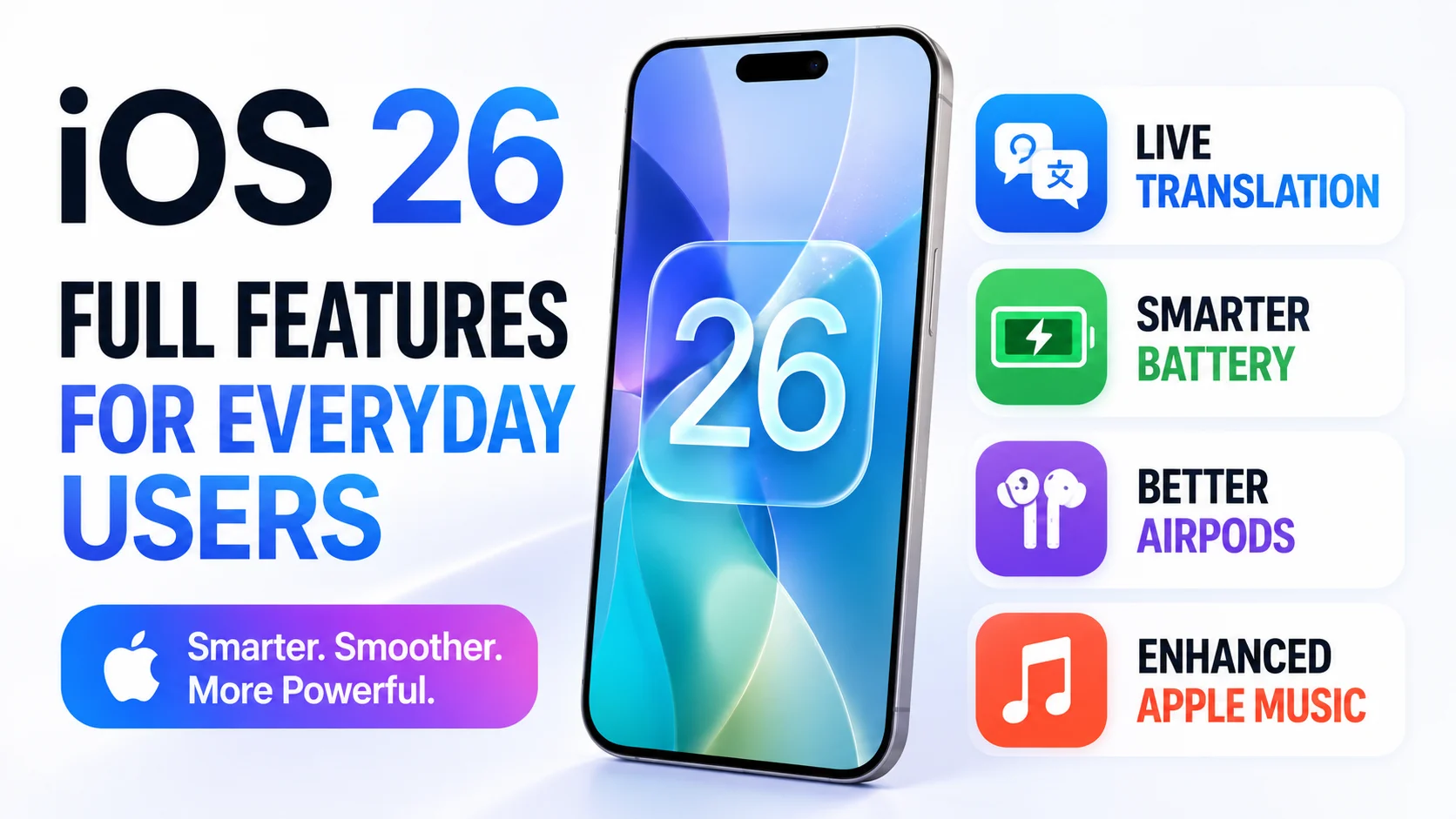
iOS 26 is one of Apple’s biggest iPhone updates in years. Unlike many software updates that focus on small refinements, iOS 26 introduces a new visual design, smarter communication tools, enhanced Apple Intelligence features, better battery management, improved CarPlay, upgraded Apple Music experiences, and several quality-of-life improvements that affect everyday iPhone users.
Whether you use your iPhone for social media, photography, music, gaming, productivity, travel, or communication, iOS 26 brings meaningful improvements across nearly every area of the operating system. The update also introduces a fresh design language called Liquid Glass, giving the iPhone a more modern and dynamic appearance.
This guide explains all major iOS 26 features in simple language without focusing on developer tools.
Liquid Glass Design
The first thing users notice after updating to iOS 26 is the new Liquid Glass interface.
Apple has redesigned many elements of iOS with translucent layers, dynamic reflections, and depth effects that react to movement. Menus, widgets, buttons, notifications, and controls now appear more fluid and visually immersive.
Benefits for Users
- More modern appearance
- Better visual depth
- Cleaner interface
- Improved readability
- Enhanced animations
The redesign affects nearly every part of the operating system while still feeling familiar to existing iPhone users.
New Lock Screen Experience
Apple has improved the Lock Screen with more intelligent personalization.
The clock can dynamically adjust around wallpaper subjects, helping important elements remain visible. Some wallpapers can create a 3D-like visual effect when the device moves.
New Lock Screen Features
- Dynamic clock positioning
- Enhanced depth effects
- Better wallpaper interaction
- Improved widget integration
- More personalization options
Apple Intelligence Improvements
Apple Intelligence continues to expand in iOS 26.
Several AI-powered features help users communicate, organize information, and perform tasks more efficiently.
Features include:
- Live Translation
- Smarter reminders
- Better writing assistance
- Improved image creation
- Enhanced Visual Intelligence
Many advanced AI features require newer iPhone hardware.
Live Translation
One of the most useful additions is Live Translation.
The feature can translate conversations in:
- Phone calls
- FaceTime calls
- Messages
This helps users communicate with people who speak different languages without relying on separate translation apps.
Real-World Benefits
- International travel
- Business communication
- Language learning
- Family conversations
Call Screening
Spam calls remain a problem worldwide.
iOS 26 introduces Call Screening features that help users identify unknown callers before answering.
Benefits
- Reduced spam interruptions
- Better caller identification
- Improved privacy
- More control over incoming calls
Hold Assist
Everyone dislikes waiting on hold.
Hold Assist can monitor calls while you’re waiting and notify you when a real person becomes available.
Advantages
- Saves time
- Reduces frustration
- Improves customer support experiences
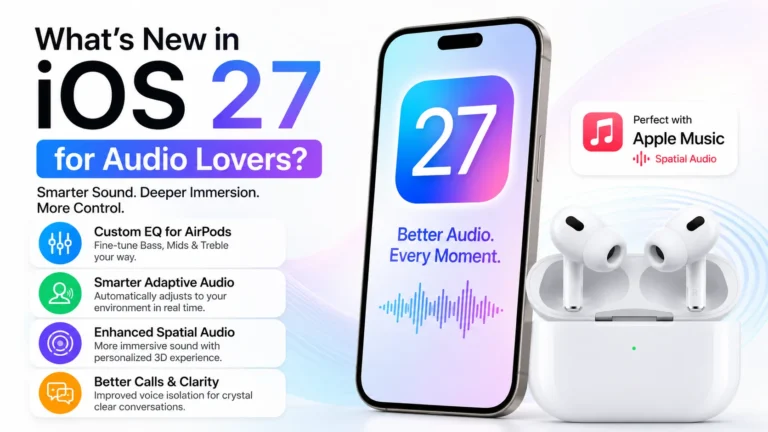
Better Apple Music Experience
Apple Music receives several enhancements in iOS 26.
Users benefit from:
- Improved music discovery
- Better recommendations
- Enhanced playback controls
- Smarter playlists
- Improved lyrics support
Apple continues to strengthen integration between Apple Music, AirPods, and iPhone hardware.
High-Quality Audio Recording
iOS 26 improves audio recording capabilities.
Users can record higher-quality audio during:
- Video calls
- Conferences
- Interviews
- Podcasts
- Video recordings
Compatible AirPods models can also record high-definition audio directly within the Camera app.
AirPods Camera Remote
AirPods gain a surprisingly useful new feature.
Users can start recording video remotely by pressing and holding controls on compatible AirPods models.
Useful For
- Group photos
- Solo content creators
- Travel photography
- Social media videos
Better Photos App
The Photos app receives a significant redesign.
Apple has simplified navigation and organization, making it easier to find images and videos. Users can switch between Library and Collections views for a cleaner experience.
Improvements
- Easier navigation
- Faster searching
- Better organization
- Cleaner interface
Spatial Scene Photos
iOS 26 introduces Spatial Scene effects.
Photos can appear more immersive with a 3D-style effect that adds depth and realism.
This creates a more engaging viewing experience for personal memories and photography collections.
New Preview App
One of the biggest productivity additions is the Preview app.
Previously associated mainly with Mac computers, Preview is now available on iPhone.
Users can:
- View PDFs
- Edit documents
- Sign forms
- Scan documents
- Export files
directly from their iPhone.
Improved Battery Features
Battery management receives several useful upgrades.
Users can now see:
- Charging progress
- Estimated charging completion times
- Detailed battery usage information
- Improved energy management insights
Adaptive Power helps extend battery life during heavy usage periods.
Better Messages Experience
Messaging continues to improve with:
- Poll creation
- Better group conversations
- Improved communication tools
- Translation integration
These updates make Messages more competitive with third-party messaging apps.
Redesigned Camera App
The Camera app receives a cleaner interface.
Apple has simplified controls and reduced clutter while making important photography tools easier to access.
Benefits
- Faster shooting
- Easier navigation
- Better user experience
- Cleaner controls
New Games App
Gaming receives greater attention in iOS 26.
The new Games app provides a centralized location for gaming content, achievements, and discovery.
Benefits
- Easier game management
- Better game discovery
- Centralized gaming experience
CarPlay Improvements
CarPlay receives significant upgrades.
New additions include:
- Widgets
- Live Activities
- Improved design
- Better messaging features
These enhancements make driving safer and more convenient.
Journal App Upgrades
The Journal app becomes more powerful.
Users can:
- Create multiple journals
- Add drawings
- Organize memories
- View entries on maps
This transforms the app into a more complete digital journaling solution.
Accessibility Improvements
Apple continues leading in accessibility.
iOS 26 introduces:
- Braille Access
- Better reading experiences
- Vehicle Motion Cues
- Enhanced accessibility sharing
These features help make iPhones more accessible for everyone.
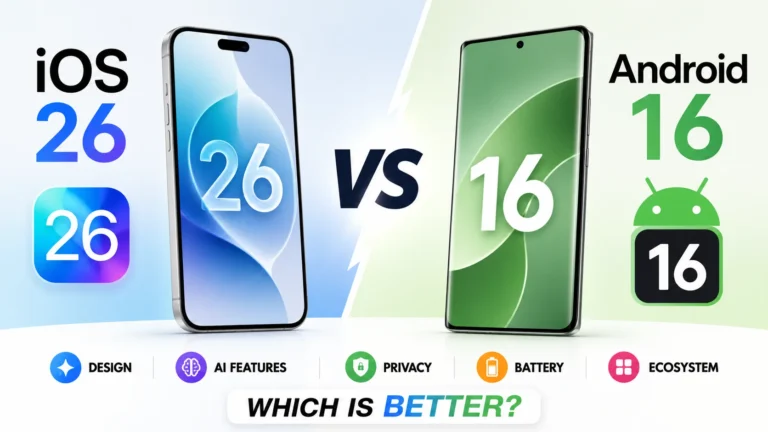
iOS 26 vs Android 17
Where iOS 26 Leads
- Better ecosystem integration
- More polished design
- Stronger privacy controls
- Seamless AirPods integration
- Superior device continuity
Where Android 17 Leads
- Greater customization
- More hardware choices
- Broader AI availability
- More flexible file management
Which Is Better?
For users already invested in:
- iPhone
- AirPods
- Apple Watch
- Apple Music
- Mac
iOS 26 delivers one of the most seamless smartphone experiences available.
Android remains stronger for users who prioritize flexibility, customization, and hardware variety.
Who Should Upgrade to iOS 26?
iOS 26 is especially beneficial for:
- AirPods users
- Apple Music subscribers
- Travelers
- Students
- Professionals
- Content creators
- Mobile gamers
- Photography enthusiasts
The combination of improved design, smarter communication tools, better productivity features, and enhanced multimedia experiences makes the update worthwhile for most iPhone users.
iOS 26 is more than a visual redesign. It introduces meaningful improvements across communication, productivity, photography, gaming, music, accessibility, and battery management. The new Liquid Glass interface modernizes the iPhone experience, while features such as Live Translation, Call Screening, Hold Assist, Preview, improved Apple Music integration, and AirPods enhancements provide practical everyday benefits.
For most users, iOS 26 represents one of Apple’s most comprehensive updates in recent years, combining beautiful design with features that genuinely improve how people use their iPhones every day.